
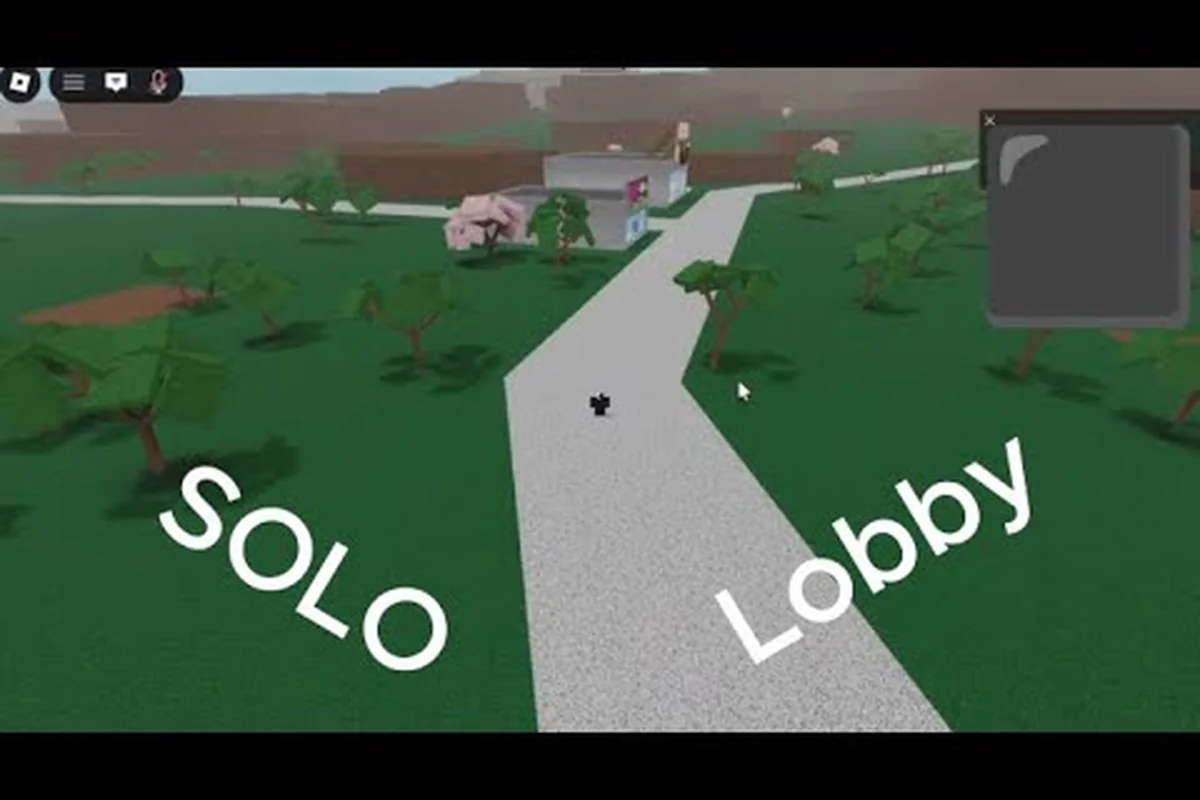
A private server changes how you experience Lumber Tycoon 2 because every rare tree, cave route, and plot decision becomes yours alone. Setting up a lumber tycoon 2 free private server lets you farm Phantom Wood in the Lone Cave, test the Ironman mode ruleset, or run a one plot challenge without random players cutting down your trees or blocking the Bridge. This guide breaks down the setup steps, the best solo rulesets, and the exact mechanics that make private play feel completely different from public lobbies.
Private Server Setup and Core Mechanics
Creating a private server in Lumber Tycoon 2 is straightforward, but the way the game handles server versions and updates is not always obvious. According to the community-maintained changelog, some public servers run older builds while private servers are updated more frequently, which means a private instance can expose you to newer mechanics or fixes before they roll out everywhere. This version gap matters because a private server may spawn different tree layouts or adjust how certain glitches behave, especially around the Bridge and the Lone Cave.
The setup process itself requires no third-party tools or paid subscriptions. You simply open the game page on Roblox, navigate to the servers tab, and create a private server. Once inside, you control who joins, and the world generates a fresh map with all standard biomes, including the Main Biome, the Safari, and the cave systems below the Bridge.
| Server Type | Update Frequency | Player Count | Best Use Case |
|---|---|---|---|
| Public Server | May lag behind patches | Up to 12 | Social play, trading |
| Private Server | Typically current build | Solo or invited friends | Farming rare wood, challenges |
| VIP Server | Same as private | Controlled | Long-term projects |
The key advantage of a private instance is map persistence. When you leave a public server, your plot saves, but the world itself resets for whoever remains. In a private server, you can leave and rejoin the same instance as long as it stays active, which lets you maintain a consistent farming route for Phantom Wood or Spooky Wood without re-scouting every session.
Lone Cave Farming Without Interference
The Lone Cave sits below the Bridge and holds exactly one Phantom Wood tree per server. In a public lobby, that single tree is a magnet for every player on the map, and the race to reach it often ends with someone else cutting it down before you arrive. A lumber tycoon 2 free private server removes that competition entirely, which is why solo players use it to farm Phantom Wood reliably.
Accessing the Lone Cave requires navigating through the Bridge area and dropping into the cave system beneath it. The route is not marked on the map, so you need to learn the terrain cues, including the rock formations near the river and the specific ledge that leads down into the void-like biome.
Phantom Wood Farming Route
The farming loop in a private server follows a consistent rhythm. You enter the cave, cut the Phantom Wood tree, haul the logs back to your plot, and wait for the tree to respawn. Because no one else can harvest it, you control the entire cycle.
| Step | Action | Time Estimate | Notes |
|---|---|---|---|
| 1 | Travel from plot to Bridge | 2-4 minutes | Depends on vehicle access |
| 2 | Descend into Lone Cave | 1-2 minutes | Learn the ledge route |
| 3 | Cut Phantom Wood tree | 3-5 minutes | Hardness requires strong axe |
| 4 | Haul logs to sawmill | 4-7 minutes | Use truck or trailer |
| 5 | Wait for respawn | Varies | Private server keeps timer consistent |
The Phantom Wood hardness value means you need a mid-to-late game axe to cut it efficiently. Players report that the Sawmax 02L or better handles the job without excessive swing time, though the exact tool requirement depends on your current progression. Since a private server gives you uninterrupted access, you can experiment with different axes without worrying about another player swooping in.
Ironman Mode and the One Plot Challenge
The community has created several self-imposed rulesets that turn a private server into a completely different game. The two most popular are the Ironman mode and the one plot challenge, both of which rely on the isolation that a private instance provides.
Ironman mode in Lumber Tycoon 2 is not an official game setting. It is a player-created ruleset where you cannot trade with other players, cannot accept free items, and must earn every piece of equipment through your own labor. A private server enforces this naturally because no one else can join to give you handouts.
Ironman Mode Ruleset
The rules are simple but strict. You start with the default axe, cut only the trees you can reach on foot, and build your operation from zero. The challenge tests your knowledge of wood values, sawmill efficiency, and route planning.
-
No trading — all items must be self-earned
-
No free gifts — decline any dropped items from visitors
-
No vehicle shortcuts — walk until you can afford your first truck
-
No glitch exploitation — play the game as intended
-
Track your earnings — log every sale to measure progress
The one plot challenge is even more restrictive. You limit yourself to a single plot of land for the entire run, which forces you to optimize every square of space. Storage becomes a puzzle, and you must sell wood frequently to avoid clutter.
| Challenge Type | Core Restriction | Difficulty | Time to Complete |
|---|---|---|---|
| Ironman Mode | No trading or gifts | High | 20-40 hours |
| One Plot Challenge | Single land plot | Very High | 30-60 hours |
| Combined Run | Both restrictions | Extreme | 50+ hours |
Both challenges work best in a private server because public lobbies introduce variables you cannot control. A random player dropping free wood breaks Ironman rules instantly, and a crowded server makes the one plot challenge feel cramped rather than strategic. The isolation of a private instance keeps the ruleset clean.
Game Age, Release Date, and Why It Still Holds Up
Lumber Tycoon 2 has been running for over a decade, which surprises many new players who discover it through Roblox recommendations. The game originally launched in 2009 as a sequel to the original Lumber Tycoon, making it one of the oldest continuously updated experiences on the platform.
The exact release date is often debated because the game went through several early versions before settling into its current form. Community records point to a 2009 launch window, with major updates arriving steadily over the following years. The 2015 Halloween Update introduced Spooky Wood and Sinister Wood, which became annual events that still draw players back every October.
Why the Game Still Attracts Players
The longevity comes from a combination of simple mechanics and deep optimization potential. Cutting trees, hauling logs, and selling planks is easy to understand, but mastering the economy, the rare wood spawns, and the vehicle physics takes hundreds of hours. A private server extends that lifespan further by giving you a controlled environment to test every system.
| Era | Major Addition | Impact on Gameplay |
|---|---|---|
| 2009 | Initial release | Core woodcutting loop |
| 2015 | Halloween Update | Spooky and Sinister Wood |
| 2016-2018 | Vehicle and map expansions | Faster hauling, new biomes |
| 2019-2024 | Quality-of-life patches | Better saving, UI updates |
| 2025-2026 | Continued private server support | Solo play improvements |
The game's age means some systems feel dated compared to newer Roblox titles, but the core loop remains satisfying. Players who want to understand the full progression curve can check the beginner guide for a walkthrough of the early game, which pairs well with private server farming strategies.
Optimizing Your Private Server for Long-Term Play
Once you have a private server running, the next step is setting it up for efficient long-term play. This means organizing your plots, planning your vehicle routes, and understanding how the server handles saving and persistence.
The most important factor is plot placement. Your starting plot is close to the Main Biome, but as you expand, you can purchase land closer to the Bridge or the Safari. In a private server, you can afford to spread out because no one else will claim the prime spots.
Vehicle and Route Planning
Hauling wood from the Lone Cave or the Safari back to your sawmill takes time, and the right vehicle setup cuts that time dramatically. The car and truck guide covers the full vehicle progression, but the short version is that a truck with a trailer beats a car for bulk hauling every time.
| Vehicle | Capacity | Speed | Best Route |
|---|---|---|---|
| Basic Car | 1-2 logs | Fast | Short trips, scouting |
| Pickup Truck | 4-6 logs | Medium | Main Biome to sawmill |
| Large Truck | 8-12 logs | Slow | Lone Cave to sawmill |
| Truck + Trailer | 15+ logs | Slowest | Bulk Phantom Wood runs |
Route planning in a private server is about repetition. You run the same path dozens of times, so small optimizations compound. Cutting a corner, avoiding a rock, or parking your truck at the right angle saves seconds per trip, and those seconds add up over a multi-hour farming session.
Saving and Persistence
Private servers handle saving the same way as public servers, but the persistence of the world itself is different. Your plot and inventory save to your Roblox account, so you keep everything even if the server shuts down. The world state, including tree spawns and any uncollected logs, resets when the server closes.
This means you should always sell or store your wood before leaving a private server for an extended period. The autosave guide explains the saving mechanics in detail, but the key takeaway is that your inventory is safe while loose items on the ground are not.
Frequently Asked Questions
Is a Lumber Tycoon 2 private server actually free?
Yes, Roblox allows players to create private servers for most games at no cost, including Lumber Tycoon 2. You access the option from the game's page on the Roblox website, and the server remains available as long as you keep it active. Some games charge for private servers, but Lumber Tycoon 2 does not.
How old is Lumber Tycoon 2?
Lumber Tycoon 2 launched in 2009, making it over 17 years old as of 2026. It is one of the longest-running games on Roblox, with continuous updates and seasonal events that have kept the player base engaged for nearly two decades.
What is the Lumber Tycoon 2 release date?
The game's initial release date is generally cited as 2009, though the exact month and day are not consistently documented across community sources. The game evolved from the original Lumber Tycoon, and early versions were iterated on rapidly before the current structure stabilized.
Can I play Ironman mode on a public server?
Technically yes, but it is much harder to enforce. Public servers have other players who may drop items or attempt to trade, which breaks the Ironman ruleset. A private server gives you full control over who enters, making it the preferred environment for challenge runs.
Does the Lone Cave Phantom Wood tree respawn faster in a private server?
The respawn timer is consistent across server types, but in a private server you are guaranteed to be the one who harvests it. In public lobbies, other players often cut the tree before you arrive, which makes the effective wait time feel much longer.